1 Apr 2025
How to Create Stunning Ghibli-Style Animated Images Using AI
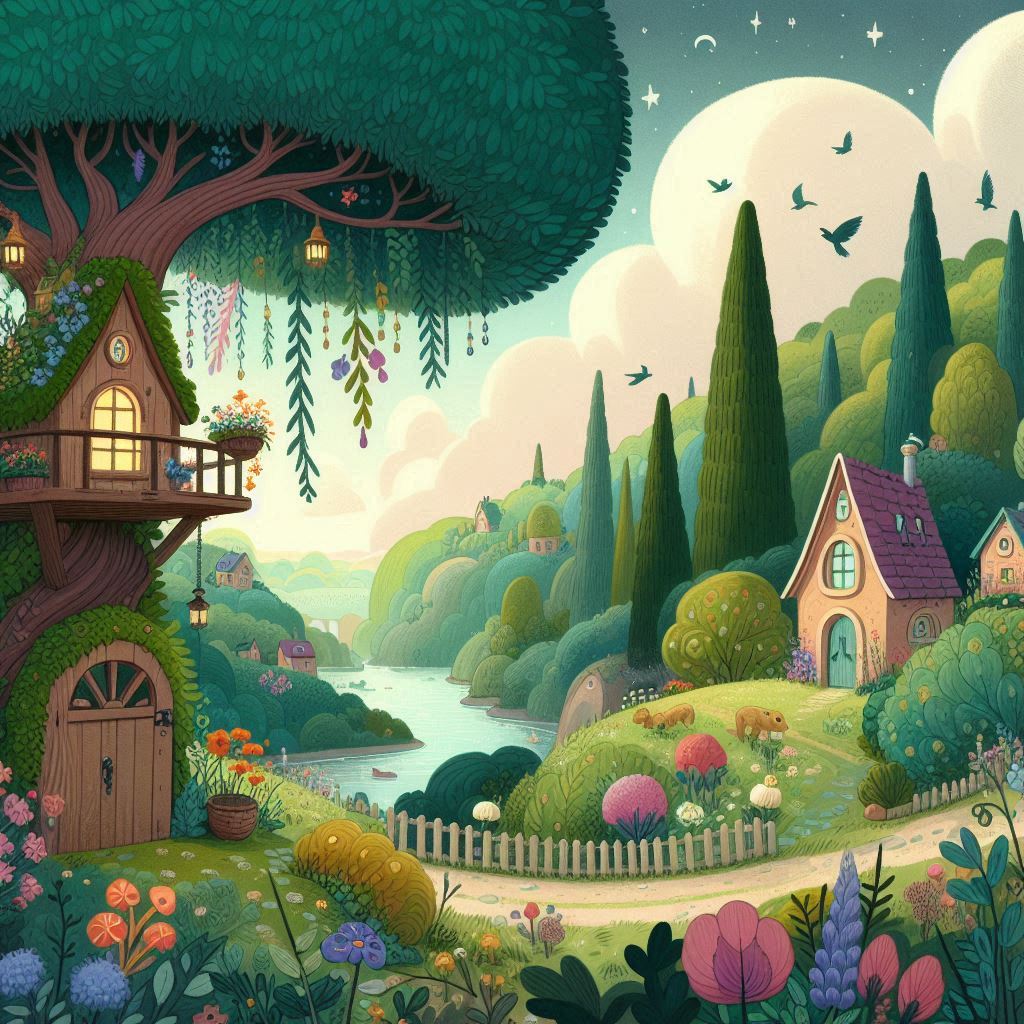
Studio Ghibli’s enchanting art style has captivated audiences for decades. Now, with AI tools like ChatGPT and HailuoAI, you can transform your images into breathtaking Ghibli-style visuals and even animate them. This guide will walk you through the entire process, from generating Ghibli-style images to bringing them to life with animation.
Part 1: Generate Ghibli-Style Images using ChatGPT
Step 1: Access ChatGPT with GPT-4 Vision
Ensure that you have access to GPT-4 with vision capabilities, as it enables AI to understand and process images for artistic transformation.
Step 2: Upload Your Image
Choose a high-quality image with good lighting and exposure.
Upload it in the ChatGPT conversation.
Step 3: Use a Precise Prompt
Use a clear and detailed prompt such as:
"Turn this into Studio Ghibli style with soft, warm colors and intricate backgrounds. Maintain a hand-painted, whimsical feel."
Step 4: Refine the Results
If the initial output doesn’t fully match your expectations, ask for refinements:
Adjust colors to be more vibrant or pastel.
Enhance fine details like foliage, sky, or character features.
Add dreamy lighting and a hand-drawn touch.
Once satisfied, download and save your Ghibli-style image.
Part 2: Animating Your Images with HailuoAI
Step 1: Save Your Images
Ensure you have saved the Ghibli-style images generated by ChatGPT on your device.
Step 2: Visit HailuoAI
Go to HailuoAI, a powerful AI tool for turning images into animated videos.
Step 3: Upload Your Image
Click on the IMAGE TO VIDEO section.
Select and upload your Ghibli-style image.
Step 4: Choose Animation Settings
HailuoAI offers different animation styles. Select the one that best fits your image:
Soft & Dreamy: Perfect for peaceful, floating animations.
Dynamic & Lively: Ideal for creating a sense of movement.
Subtle Motion: Best for small, natural movements like wind or water ripples.
Step 5: Process the Animation
Click Generate and wait while HailuoAI processes your animation. This may take a few minutes depending on the complexity.
Step 6: Download Your Animated Video
Once processed, download your animated video. HailuoAI provides high-quality outputs without watermarks.
Tips for Best Results
✅ Use High-Resolution Images: This ensures crisp details and smooth animation.
✅ Experiment with Different Animation Styles: Test various motion settings in HailuoAI to find the best fit.
✅ Keep the Composition Simple but Meaningful: A clean image with a strong focal point enhances the final animated result.
Final Thoughts
By leveraging AI tools like ChatGPT and HailuoAI, you can create stunning Ghibli-inspired animated scenes without requiring expert artistic skills. Whether you’re a fan of Studio Ghibli’s aesthetics or simply want to explore AI-powered creativity, this method allows you to bring your visions to life effortlessly.
Try it out and share your magical Ghibli-style animations with the world! 🌿✨🎨